
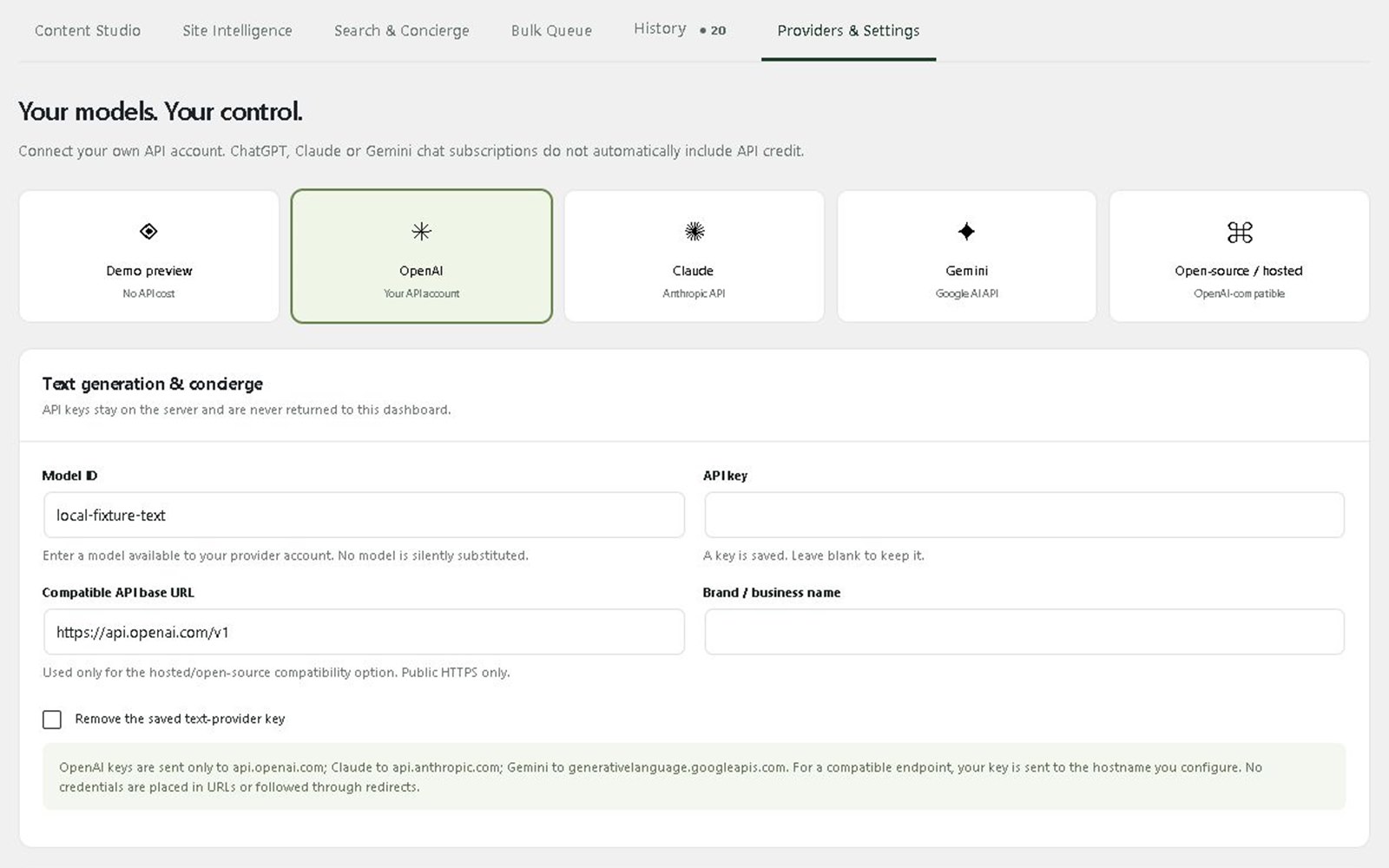
Running a language model on your own server gives you predictable costs and keeps your data in-house. The trick that makes it practical is an OpenAI-compatible API: your applications talk to your server exactly as they would talk to OpenAI, so you can switch without rewriting code. Here is how a self-hosted setup fits together.
1. Choose an open model for the job
Open-weight families such as Llama, Qwen, Mistral and DeepSeek come in sizes from a few billion parameters to very large. Smaller models are fast and cheap and handle classification, extraction and drafting well. Larger models reason better but need much more memory. Test two or three on your own data before deciding; general benchmarks rarely match a specific use case.
2. Pick a serving layer
Ollama is the simplest way to run models and exposes an OpenAI-compatible endpoint out of the box, which suits a single server and moderate traffic. vLLM is built for throughput and many concurrent users, with batching that makes better use of a GPU. Both let existing OpenAI client libraries point at your own URL.
3. Size the hardware
Memory is the main constraint. A rough rule: a model needs about its parameter count in gigabytes of memory at 8-bit precision, and roughly half that when quantised to 4-bit. Add headroom for context length and concurrent requests. Small models can run on CPU for light use; anything customer-facing usually needs a GPU.
4. Add embeddings and search if you need answers from your documents
A chat model on its own only knows what it was trained on. To answer from your catalogue, policies or manuals, add an embedding model and a vector database such as Qdrant: this is retrieval-augmented generation (RAG). See managed vector search & RAG for how we run that layer.
5. Secure it
Never expose the model port directly. Put it behind a reverse proxy with HTTPS and API keys, restrict which services can reach it, and log requests so you can see who used what.
6. Monitor and update
Track response times, errors, GPU memory and disk. New model versions arrive often; schedule updates and keep the previous version available so you can roll back.
Self-hosted or managed?
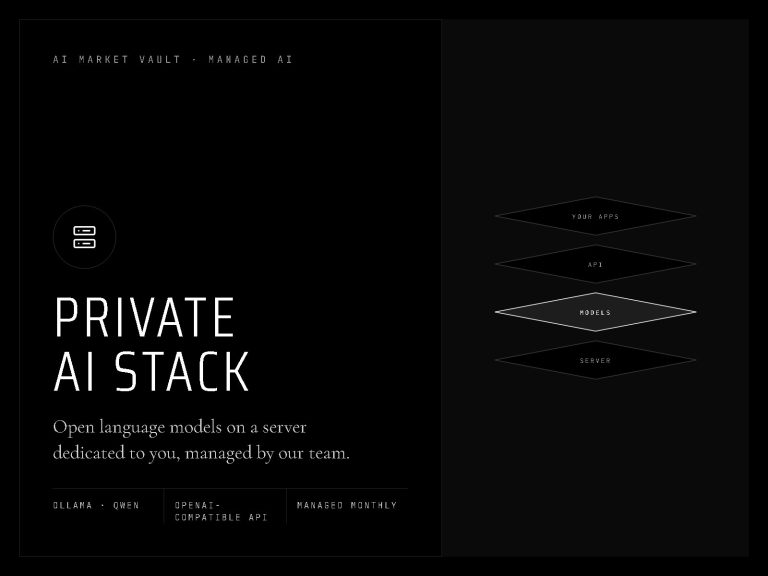
Self-hosting is very achievable if you have someone to run servers. If you would rather not, our managed private AI stack provides open language and embedding models on a dedicated server behind an OpenAI-compatible API, set up, monitored and updated by our team. Still deciding between private and hosted models? Read private AI infrastructure vs hosted API, or start with an AI stack blueprint.
Frequently asked questions
What is an OpenAI-compatible API?
An API that accepts the same requests and returns the same response format as OpenAI’s, so tools and code written for OpenAI work by changing only the base URL and key.
Can I run an LLM without a GPU?
Small, quantised models run on a CPU for low-volume tasks. For customer-facing chat or many simultaneous users, a GPU is usually needed to keep responses fast.
Is a self-hosted LLM as good as GPT or Claude?
For focused tasks such as extraction, classification, drafting and answering from your own documents, open models are often good enough. For the hardest reasoning, frontier hosted models still lead, which is why many teams use both.



1 response